
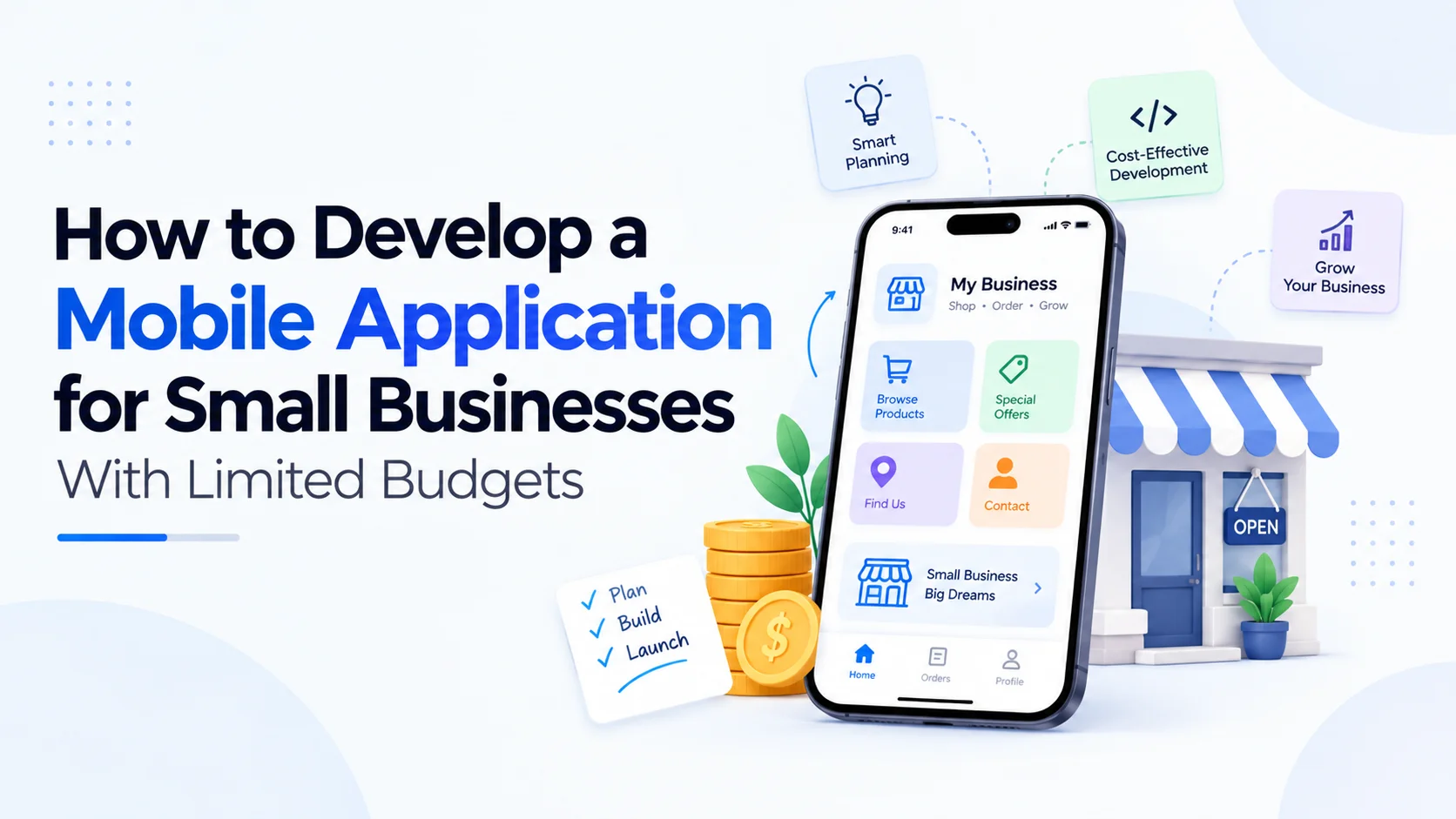
Building a mobile app can sound expensive, especially when you're running a small business and every part of the budget has to justify itself. But mobile app development doesn't always require a large team, a huge feature list, or months of work.
The smarter approach is to start with what your customers actually need.
I've seen businesses make the same mistake repeatedly: they begin with a long list of features because they want their app to compete with large companies. The result is usually a higher development cost, a longer timeline, and an app that customers barely use.
A better strategy is to build a smaller, useful product first and expand it when there's a real reason to do so. That's particularly useful for businesses working with limited budgets.
Can a Small Business Really Afford Mobile App Development?
Yes, but the budget depends heavily on what you're building.
A simple app with customer registration, product or service information, notifications, booking, and basic payment functionality is very different from a large platform involving real-time tracking, artificial intelligence, complex dashboards, multiple user roles, and third-party integrations.
Before starting development, divide your requirements into three groups:
Features customers absolutely need
Features that would be useful later
Features that are simply nice to have
This exercise can dramatically change the initial project scope.
For example, imagine a local fitness studio wants an app. It might initially think it needs workout tracking, social profiles, nutrition plans, live classes, chat, subscriptions, and an online store.
But what if most customers simply want to book classes, receive reminders, check schedules, and manage payments?
Those four functions could form the first version of the product.
That's where budget-friendly mobile application development becomes practical.
Start With an MVP Instead of Building Everything
An MVP, or Minimum Viable Product, is the first usable version of your app.
The idea isn't to build a poor-quality application. It's to build the smallest useful version that solves a real customer problem.
For a small business, an MVP might include:
User registration and login
Product or service listings
Search or basic filtering
Booking or ordering
Online payment
Push notifications
Customer support
Basic admin panel
You can add advanced features after customers start using the app.
This approach also gives you something valuable: real feedback.
Instead of guessing what customers want, you can see which features they actually use.
How Do You Keep Mobile App Development Costs Under Control?
The biggest cost-saving opportunity usually comes before coding begins.
Poor planning creates expensive changes later. A developer may build a feature one way, only to discover two weeks later that the business owner wanted something completely different.
Before development starts, prepare a simple project document covering:
Business objective
Target customers
Main app features
User journey
Required integrations
Design requirements
Platform requirements
Expected launch timeline
Even a basic wireframe can help.
For instance, draw the journey from opening the app to completing a purchase. You don't need a professional designer for the first sketch. A piece of paper can be enough to identify unnecessary steps.
The cheapest feature to fix is the one you remove before development starts.
Choose the Right Platform for Your Budget
One of the first decisions is whether you need Android, iOS, or both.
If your customers are concentrated on one platform, starting there can reduce the initial development scope.
Another option is cross-platform development.
Technologies such as Flutter and React Native allow teams to build applications for multiple platforms from a shared codebase in many project scenarios. The exact savings depend on the app, integrations, performance requirements, and development team.
So don't choose a technology simply because it's popular.
Choose it based on your product requirements.
A good development team should be able to explain why a particular technology makes sense for your project rather than simply giving you a technical buzzword.
Don't Overspend on App Design
A professional app needs good UX, but that doesn't mean every screen needs complex animation.
For a small business, focus on:
Clear navigation
Readable typography
Consistent buttons
Fast-loading screens
Simple checkout or booking
Easy access to support
Logical user flows
I've noticed that many first-time app owners spend too much time discussing colors, animations, and decorative elements while overlooking something much more important: how quickly a customer can complete a task.
A beautiful app that takes eight steps to place an order can be frustrating.
A simple app that lets someone complete the same task in three steps can be much more useful.
Where Can a Small Business Use a Mobile App?
You don't need to be a technology company to benefit from an app.
Mobile apps can support businesses such as:
Retail Stores
Customers can browse products, receive offers, place orders, and track purchases.
Restaurants
An app can support menus, table bookings, food ordering, loyalty programs, and delivery updates.
Travel Businesses
Travel companies can use apps for package discovery, bookings, customer communication, itinerary information, and travel notifications.
Healthcare Businesses
Depending on applicable regulations and requirements, apps can support appointment booking, reminders, service information, and customer communication.
Education Businesses
Training companies and educational businesses can provide course content, schedules, notifications, and learning resources through an app.
Local Service Businesses
Salons, repair companies, cleaning services, fitness centers, and consultants can use apps for appointments, payments, reminders, and customer management.
The business model matters more than the industry.
Should You Hire a Freelance Developer or a Development Company?
This depends on your project.
A freelancer may work well for a relatively small and clearly defined application. A development company can be useful when you need multiple specialists, ongoing maintenance, UI/UX design, backend development, testing, and project management.
For example, a basic booking app may not require a large development team.
But an application involving payment gateways, third-party APIs, an admin dashboard, cloud infrastructure, analytics, and multiple user roles requires more coordination.
When evaluating a development partner, don't compare quotes based only on the final number.
Ask:
What's included?
How many development hours or resources are allocated?
Is UI/UX included?
Is backend development included?
What testing is included?
Who handles app-store submission?
What happens after launch?
How are future changes priced?
Companies such as adslyvemedia can be considered as part of the vendor research process, but the same questions should be asked of any development partner before signing a contract.
Don't Forget Backend Development and Maintenance
One common mistake is thinking the mobile app is the entire product.
Usually, it isn't.
Many apps also need a backend system that manages users, products, bookings, payments, notifications, content, and other business data.
You may also need:
APIs
Cloud hosting
Database management
Security controls
Analytics
Backup systems
Third-party integrations
Admin dashboard
And then there's maintenance.
Operating-system updates, security patches, API changes, bug fixes, and new device requirements can affect an application after launch.
So keep some budget aside for the period after launch.
How Can You Reduce the Cost Without Sacrificing Quality?
There are several practical ways to control the budget.
1. Build Fewer Features
Don't launch with 30 features when 8 can solve the core problem.
2. Reuse Existing Services
Payment gateways, maps, analytics, authentication, cloud services, and communication tools can often be integrated instead of built from scratch.
3. Use a Scalable Architecture
Saving money today by creating a difficult-to-maintain system can become expensive later.
4. Test Early
Finding a serious usability problem before launch is much cheaper than discovering it after thousands of customers start using the application.
5. Prioritize Security
Never treat security as an optional feature simply because the budget is limited.
For applications handling payments or personal information, appropriate security practices should be considered from the beginning.
6. Plan Future Features Separately
Create a roadmap for version 2 instead of squeezing everything into version 1.
What Should You Ask a Mobile App Development Company?
Before hiring a development partner, ask for a clear breakdown of the project.
A useful proposal should explain:
Project scope
Features
Technology stack
UI/UX process
Development stages
Testing process
Estimated timeline
Payment milestones
Deployment process
Maintenance terms
Ownership of source code
Third-party service costs
Don't hesitate to ask for clarification when something isn't clear.
A professional conversation at the beginning can prevent uncomfortable conversations later.
For businesses researching companies such as adslyvemedia, reviewing the company's services, portfolio, development approach, communication process, and post-launch support can help create a more complete picture than looking at price alone.
A Simple Budget Strategy for Small Businesses
Instead of thinking, "How much does an app cost?", start with:
"What is the smallest app that can generate value for my customers?"
That's a much better question.
For example, a small service company might start with:
Version 1
Login
Service listing
Appointment booking
Payment
Notifications
Admin panel
Version 2
Loyalty program
Customer reviews
Advanced analytics
Referral system
Version 3
Personalized recommendations
Advanced automation
Additional integrations
This staged approach lets the business learn before making a much larger investment.
Common Mistakes Small Businesses Should Avoid
A limited budget doesn't have to mean a low-quality app. But certain mistakes can make even a small project unnecessarily expensive.
Avoid:
Starting development without clear requirements
Copying a competitor's entire feature list
Choosing technology only because it's trendy
Ignoring backend requirements
Skipping proper testing
Treating security as an afterthought
Choosing the cheapest quote without checking scope
Forgetting maintenance costs
Building features nobody requested
And don't assume that more features automatically mean more value.
Sometimes the opposite is true.
Final Thoughts on Mobile App Development for Small Businesses
Mobile app development can be realistic for a small business when the project is planned around actual customer needs instead of an oversized feature list.
Start small. Define the problem. Build an MVP. Test it with real users. Then use feedback to decide what deserves investment next.
That's usually a more sensible path than spending a large amount upfront and hoping customers will use everything you build.
If you're comparing development partners, evaluate more than the initial quote. Look at experience, communication, technical approach, security, ownership, maintenance, and the ability to scale the product later. Whether you're considering adslyvemedia or another development provider, the right questions before development can save significant time and money afterward.
The goal isn't simply to launch a mobile app.
It's to build an app that your customers actually have a reason to open.
Frequently Asked Questions
How much does it cost to develop a mobile app for a small business?
The cost varies based on features, platforms, design complexity, integrations, backend requirements, and development resources. A small MVP will generally require less investment than a feature-heavy application.
Can I develop an app with a limited budget?
Yes. Start with an MVP containing only the features required to solve the main customer problem. Additional functionality can be introduced in later versions.
Should a small business build an Android or iOS app first?
It depends on the target customers. If most customers use one platform, starting there can reduce the initial scope. Cross-platform development is another option worth evaluating.
How long does mobile app development take?
There isn't one fixed timeline. A basic app can be developed much faster than a complex platform with multiple integrations, user roles, payments, and custom backend systems. A clear scope is necessary before estimating the timeline.