Introduction
As a business grows, managing customers, sales, inventory, finances, and daily operations becomes increasingly complex. Information often ends up scattered across spreadsheets, emails, accounting tools, and disconnected software applications. This can lead to duplicated work, delayed decisions, missed follow-ups, and limited visibility into business performance.
ERP and CRM systems help businesses address these challenges by organizing information and improving how teams manage their workflows.
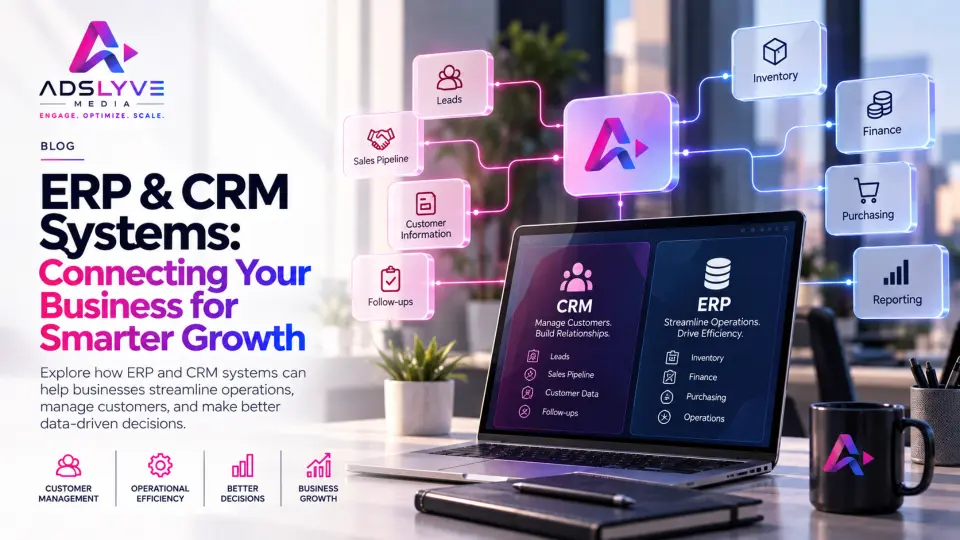
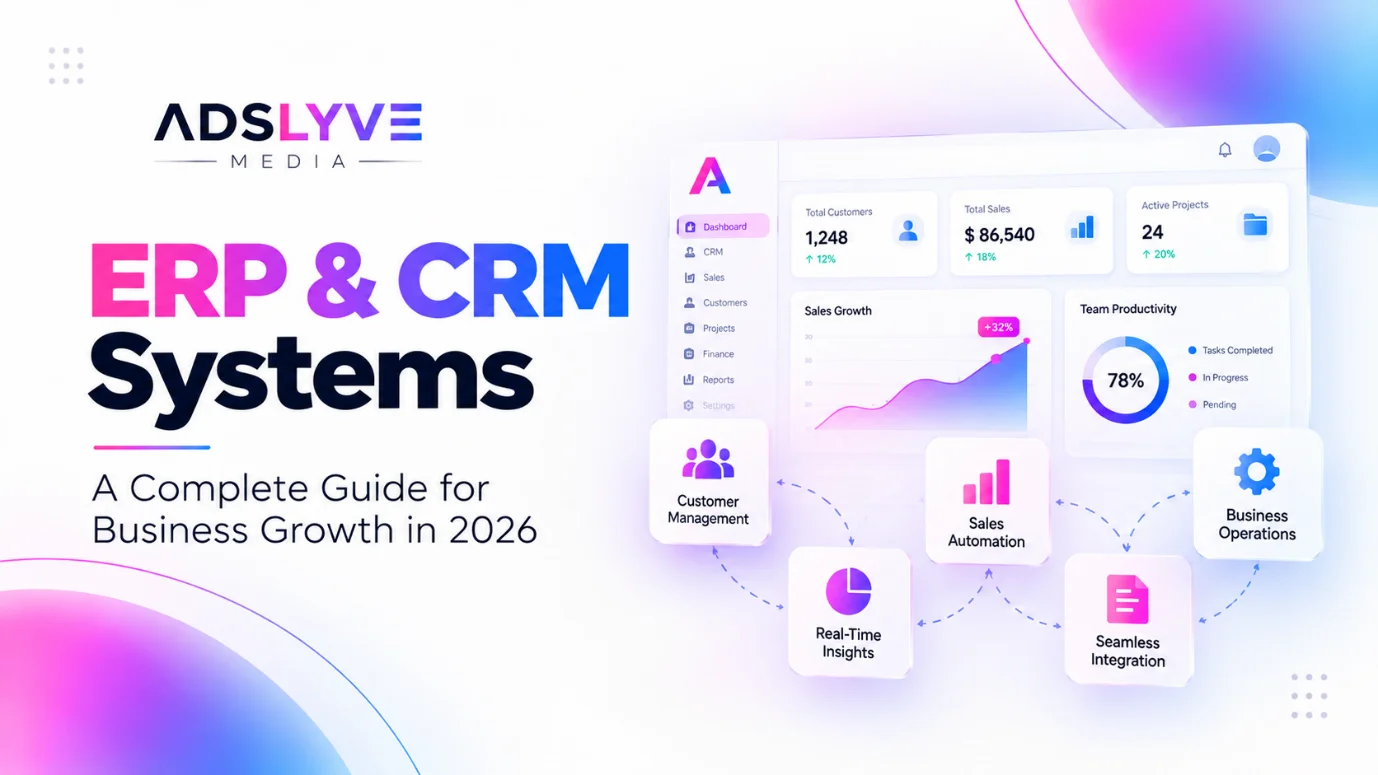
An Enterprise Resource Planning (ERP) system helps coordinate internal business operations, while a Customer Relationship Management (CRM) system focuses on customer interactions, sales opportunities, and relationship management. When these systems work together, businesses can connect customer information with operational processes and make more informed decisions.
Whether you operate a startup, a growing small or medium-sized business, or a larger organization, the right software infrastructure can support more efficient operations and sustainable growth.
In this guide, we explain how ERP and CRM systems work, their key benefits, and how to choose a solution that fits your business requirements.
What Are ERP and CRM Systems?
ERP and CRM systems serve different but complementary purposes.
What Is ERP Software?
Enterprise Resource Planning (ERP) software connects important internal business functions through a shared system. Depending on the platform and configuration, it may include finance, accounting, inventory management, procurement, production, human resources, and reporting.
For example, a distributor can use ERP software to track stock levels, manage purchase orders, monitor invoices, and coordinate inventory across multiple locations.
Instead of relying on separate spreadsheets, teams can work with more consistent information and standardized processes.
What Is CRM Software?
Customer Relationship Management (CRM) software helps businesses organize customer information and manage interactions throughout the sales and customer lifecycle.
Common CRM capabilities include contact management, lead tracking, sales pipeline management, follow-up reminders, customer communication records, and sales reporting.
For example, a sales team can use a CRM to record incoming enquiries, assign leads to representatives, schedule follow-ups, and monitor opportunities from initial contact to conversion.
The key difference: ERP helps manage internal business resources and processes, while CRM helps manage customer relationships and revenue opportunities.
5 Benefits of ERP and CRM Systems for Businesses
1. Centralize Business Information
When information is spread across disconnected tools, employees may spend unnecessary time searching for records or confirming which data is accurate.
ERP and CRM systems can create a more organized information environment by bringing relevant business data into structured platforms.
An ERP system may centralize inventory, purchasing, and financial records, while a CRM organizes customer profiles, conversations, and sales activities.
With appropriate integration, teams can access relevant information more easily and reduce repeated manual data entry.
2. Automate Repetitive Business Processes
Manual workflows can slow down operations and increase the risk of errors. Tasks such as assigning leads, generating reports, updating records, tracking approvals, and preparing routine documents can consume significant employee time.
ERP and CRM platforms often include workflow automation features that help standardize these processes.
For example, a CRM can assign a new enquiry to the appropriate sales representative and schedule a follow-up reminder. An ERP system can support purchase approvals or generate inventory alerts when stock reaches a defined threshold.
Automation rules should reflect actual business processes, with appropriate approval steps for important decisions.
3. Improve Sales and Customer Management
Customer enquiries are easier to manage when information is recorded consistently and every lead has a clear next step.
A CRM helps sales teams track prospects, identify overdue follow-ups, understand customer interactions, and evaluate pipeline performance.
It can also support customer retention by maintaining relevant interaction histories and helping teams respond more consistently.
For businesses that generate leads through websites, social media, advertising, or sales outreach, CRM software can help connect enquiry generation with a more structured sales process.
4. Strengthen Reporting and Decision-Making
Business decisions become more difficult when managers cannot access reliable information about sales, expenses, inventory, or operational performance.
ERP and CRM reporting capabilities can provide visibility into relevant metrics and help identify trends.
For example, ERP reports may help managers monitor stock movement and purchasing costs, while CRM reports can highlight pipeline activity, conversion rates, and sales performance.
When systems share data effectively, decision-makers can understand customer demand alongside operational capacity.
The quality of these insights depends on accurate data, suitable reporting configurations, and consistent use of the systems.
5. Support Business Growth and Scalability
Processes that work for a small team may become difficult to manage as transaction volumes, customer numbers, and employee responsibilities increase.
A suitable ERP or CRM solution can help businesses establish repeatable workflows, improve coordination, and manage larger volumes of information.
Cloud-based platforms may also offer flexible access and scalable infrastructure, depending on the provider and subscription plan.
The objective is to build a system that supports the business's current requirements while allowing for future expansion without unnecessary complexity.
ERP vs. CRM: Which System Does Your Business Need?
The right choice depends on your primary business challenge.
Business requirement | ERP system | CRM system |
Inventory and purchasing | Primary use case | Usually limited |
Finance and operational reporting | Primary use case | Usually limited |
Lead and contact management | Limited or integrated | Primary use case |
Sales pipeline tracking | May include basic features | Primary use case |
Customer communication history | May require integration | Primary use case |
Internal process coordination | Primary use case | Supports customer-facing workflows |
If your main challenge is managing leads, sales opportunities, and customer relationships, a CRM may be the right starting point.
If you need better control over inventory, purchasing, finances, or multiple operational departments, ERP software may be more appropriate.
Businesses with complex workflows across both areas may benefit from integrating the two systems rather than operating them separately.
Why ERP and CRM Integration Matters
ERP CRM integration connects customer-facing activities with internal business operations.
For example, when a sales representative updates a customer's details or records a new opportunity in the CRM, relevant information may be shared with the ERP system through an appropriate integration.
Once an order is confirmed, connected systems may help teams coordinate order processing, inventory checks, invoicing, and fulfilment.
Depending on the implementation, integration can reduce duplicate records, improve information consistency, and provide better visibility across departments.
Before integrating systems, businesses should define which platform owns each type of data, how records will be synchronized, and what happens when information conflicts or an integration fails.
A well-planned integration is more than a technical connection. It requires clear processes, appropriate permissions, and reliable data management.
How to Choose the Right ERP or CRM Solution
Selecting business software requires more than comparing feature lists. The system should fit your workflows, budget, technical environment, and long-term objectives.
Step 1: Identify your business challenges. Document the processes that create delays, repeated work, data inconsistencies, or missed opportunities.
Step 2: Define your requirements. List essential features, reporting needs, user roles, integrations, and approval processes.
Step 3: Evaluate customization and integration. Determine whether an existing platform meets your needs or whether custom development and additional integrations are necessary.
Step 4: Consider the total cost. Review licensing, implementation, migration, training, maintenance, and future customization costs.
Step 5: Plan data migration and training. Prepare existing records, remove duplicates where appropriate, test data quality, and help employees understand the new workflows.
Step 6: Measure results after implementation. Track indicators such as time spent on manual tasks, lead follow-up completion, reporting accuracy, and process turnaround times.
Starting with clearly defined requirements and a manageable implementation scope can reduce risk and help teams adopt the system more effectively.
Why Businesses Choose Custom ERP and CRM Development
Off-the-shelf software can be an effective choice when its features align with existing business processes. However, some organizations have specialized workflows, legacy applications, unique reporting requirements, or complex integrations that require a more tailored approach.
Custom ERP and CRM development can help address these requirements by configuring or building functionality around specific operational needs.
Possible requirements include customized dashboards, department-specific workflows, integration with existing applications, automated approvals, and role-based access controls.
Custom development is not always necessary. The best approach is to compare standard software, configurable platforms, and bespoke solutions based on business value, implementation effort, maintainability, and long-term costs.
Streamline Your Business With Adslyve Media
Choosing the right ERP or CRM system can help create a stronger foundation for operational efficiency, customer management, and business growth. The key is to identify the right processes to improve and select technology that supports your objectives.
Adslyve Media brings technology and business-focused digital solutions together, helping businesses explore software and integration options aligned with their requirements.
Whether your organization needs better customer management, streamlined operations, improved workflow coordination, or connected business systems, a structured implementation approach can help turn software investment into practical business value.
Ready to improve how your business operates?
Explore Adslyve Media's ERP & CRM Systems services to discuss your requirements and identify the right approach for your business.
Conclusion
ERP and CRM systems help businesses manage two essential areas: internal operations and customer relationships.
ERP software supports processes such as inventory, finance, purchasing, and operational reporting. CRM software helps organize customer data, manage sales opportunities, and improve follow-up activities.
When selected and implemented effectively, these systems can reduce manual work, improve information visibility, and support better coordination across teams.
Start by identifying your most important business challenges, define measurable objectives, and choose a solution that fits your processes and future plans.
Take the next step: Connect with Adslyve Media to explore ERP and CRM solutions tailored to your business requirements.